Independent Product · Interactive Prototype
Ticket Memory
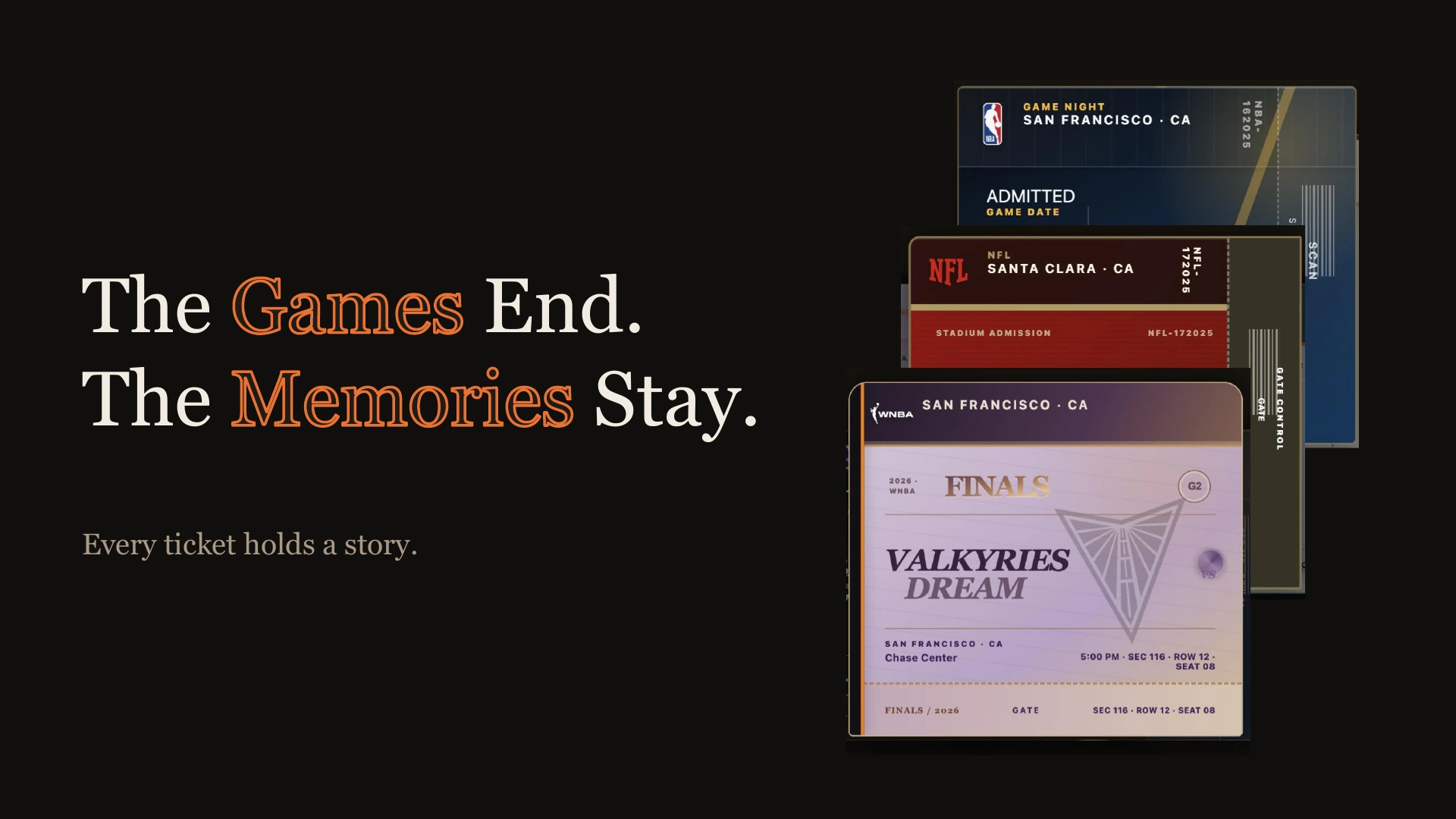
The games end. The memories stay.
I go to a lot of games, and I like keeping the tickets. But mine were scattered across different apps and accounts. Sometimes a friend bought them, so I didn’t have one of my own to save. Even collecting them in Apple Wallet couldn’t bring everything together.
I’d been thinking about this for a while. Then, while volunteering at the FIFA World Cup ticket office, I met fans asking for physical tickets even though they already had digital ones. They already had a way in. They wanted something to take home. I understood that feeling. A ticket can hold a trip, a first game, or a night with someone special. I started building Ticket Memory to give those experiences a place to stay.
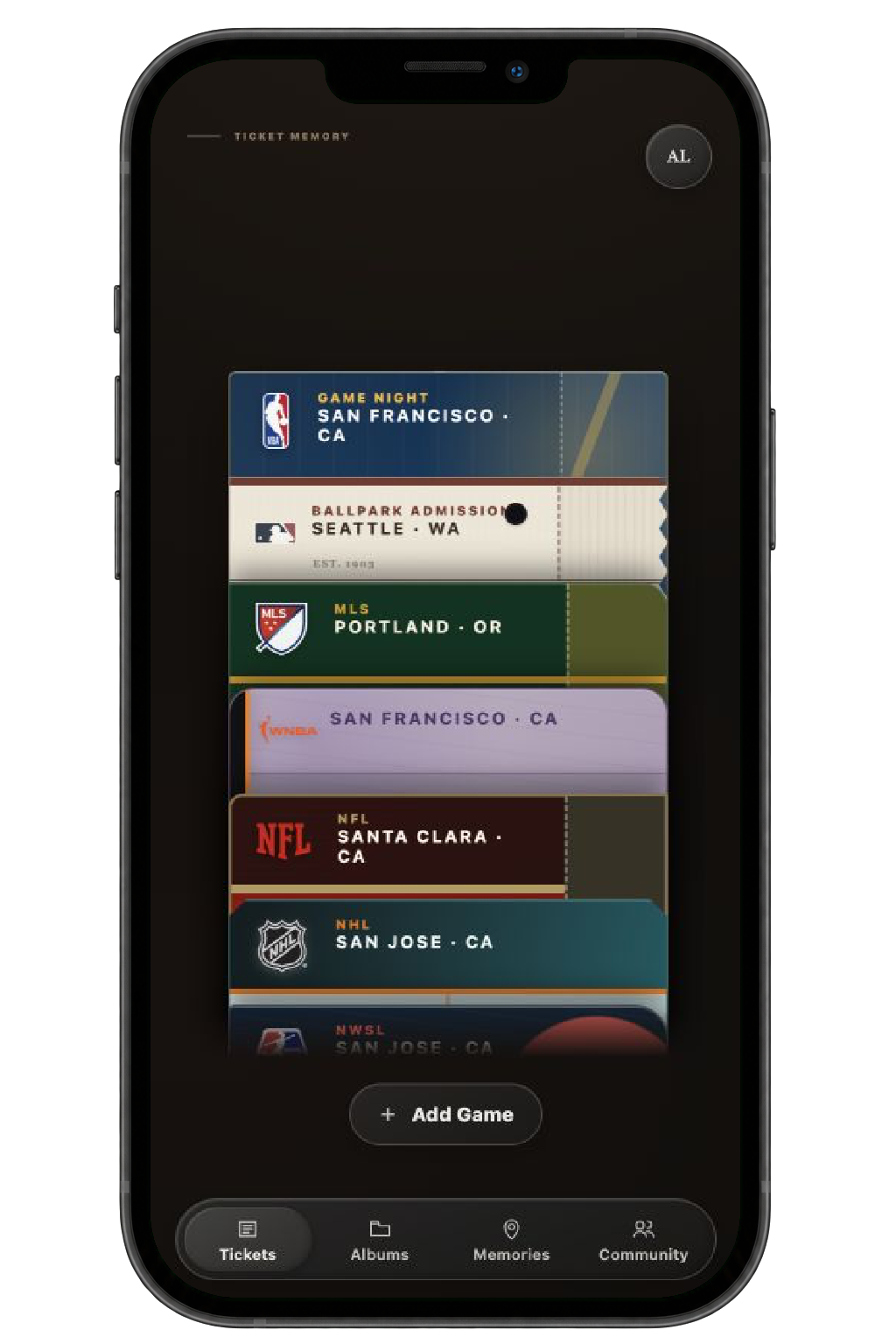
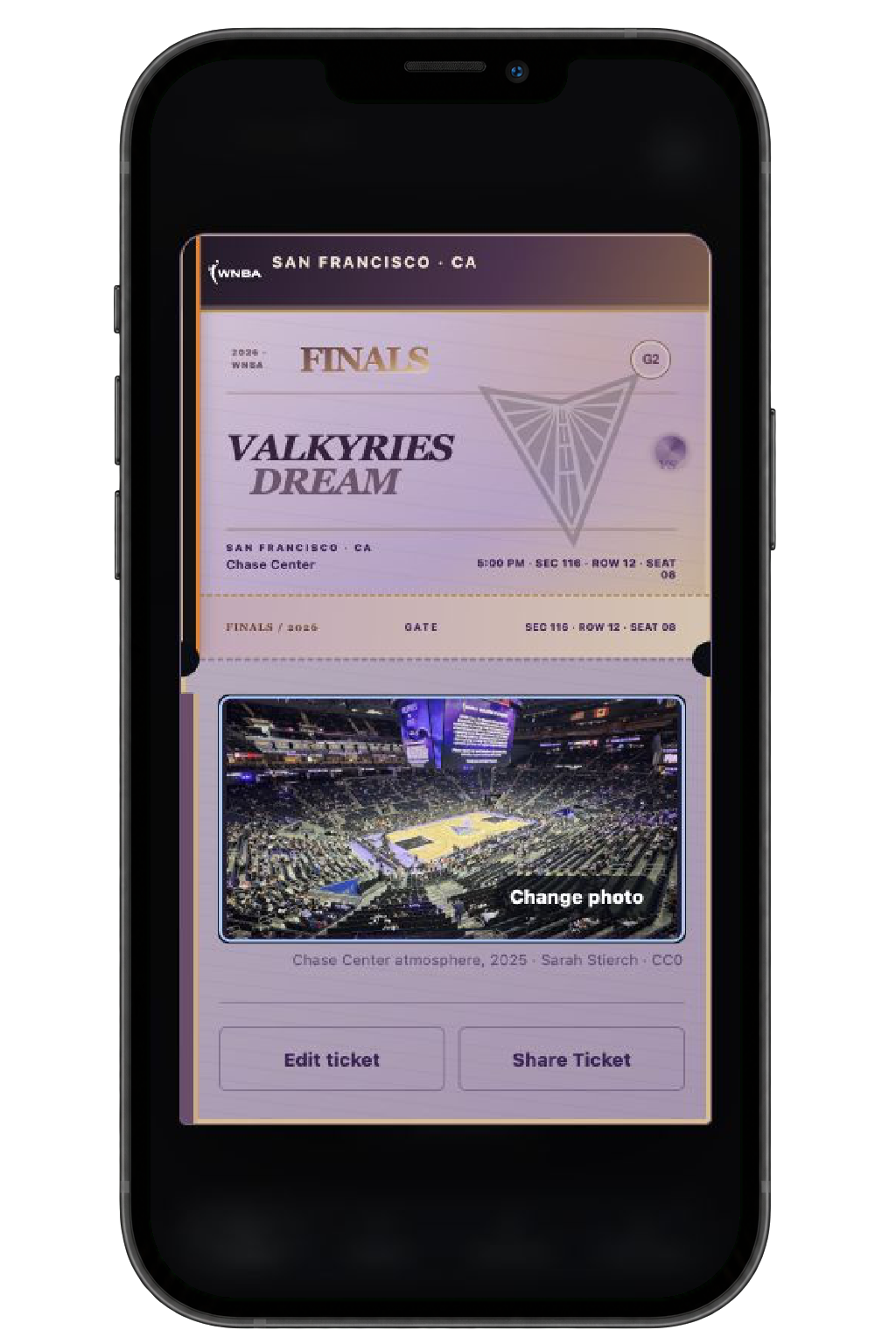
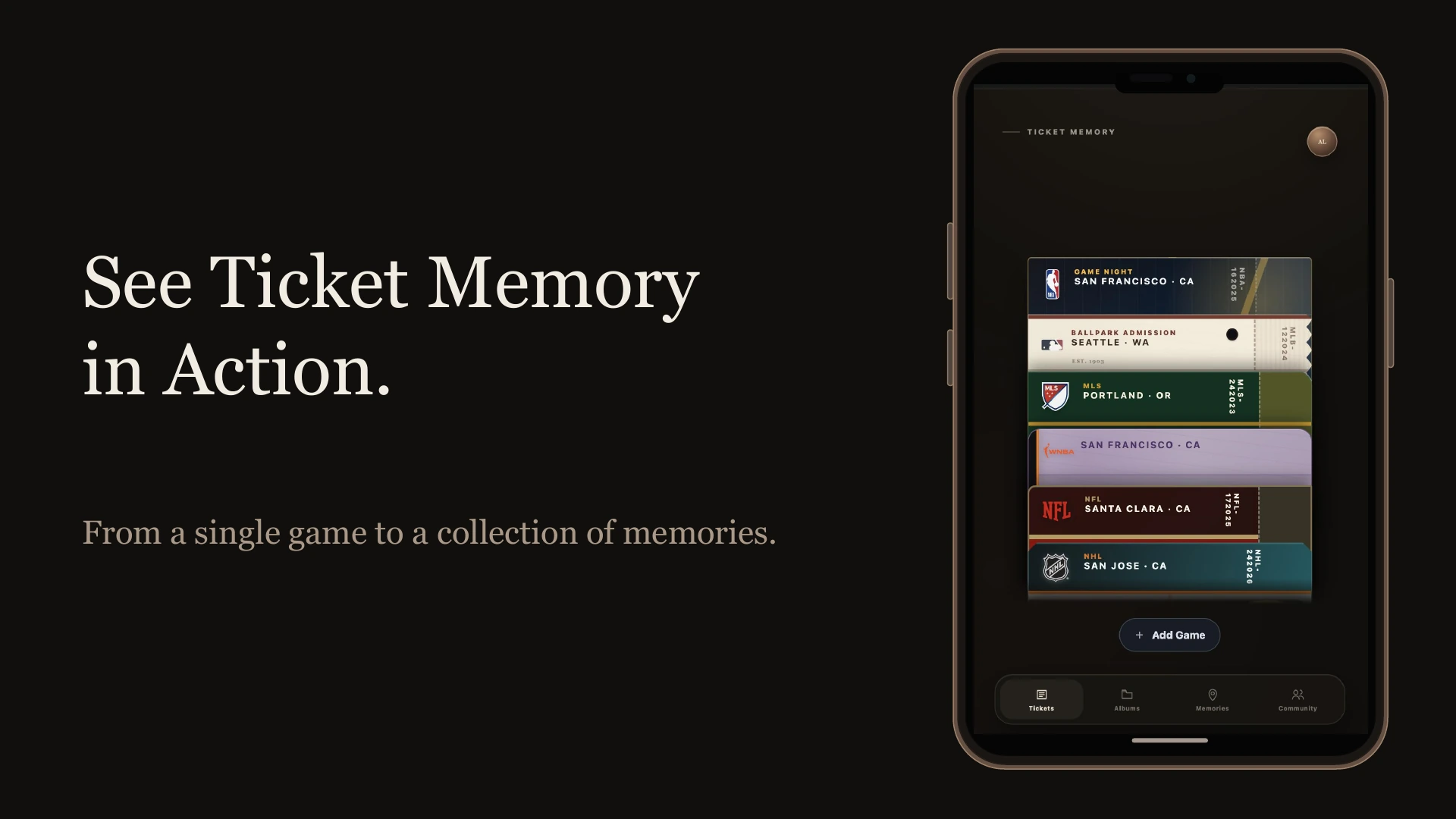
Browse the collection and open a ticket to revisit the game, photo, and personal details behind it.
I wanted keeping a memory to take less effort than tracking down the ticket.
The details were already there in a ticket screenshot, so I explored using image recognition to help fill them in. Fans would still review and correct the information before saving, with manual entry available too. From there, I wanted to leave room for what the ticket couldn’t tell me: who I went with, the photo I wanted to keep, or a few words about the night.
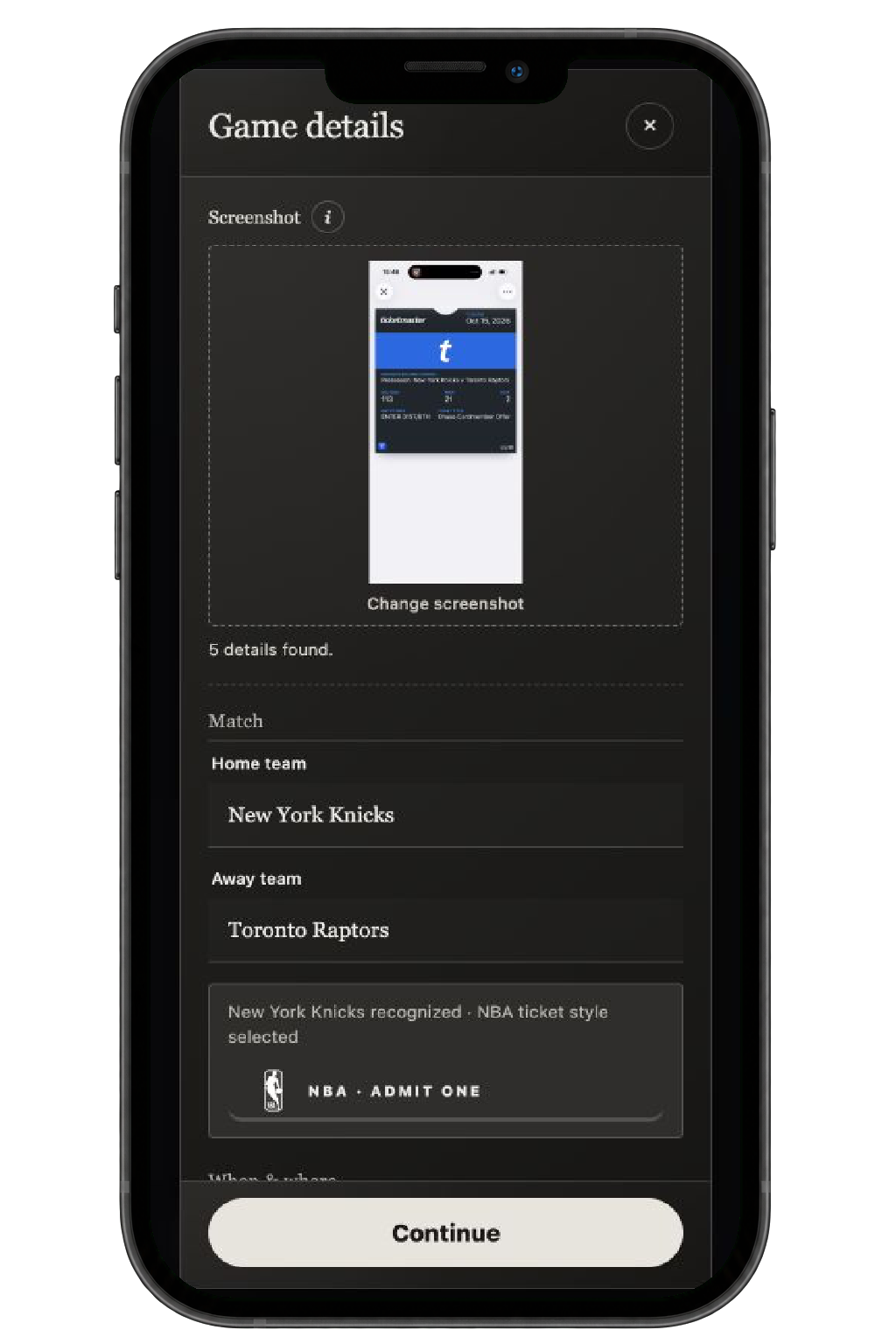
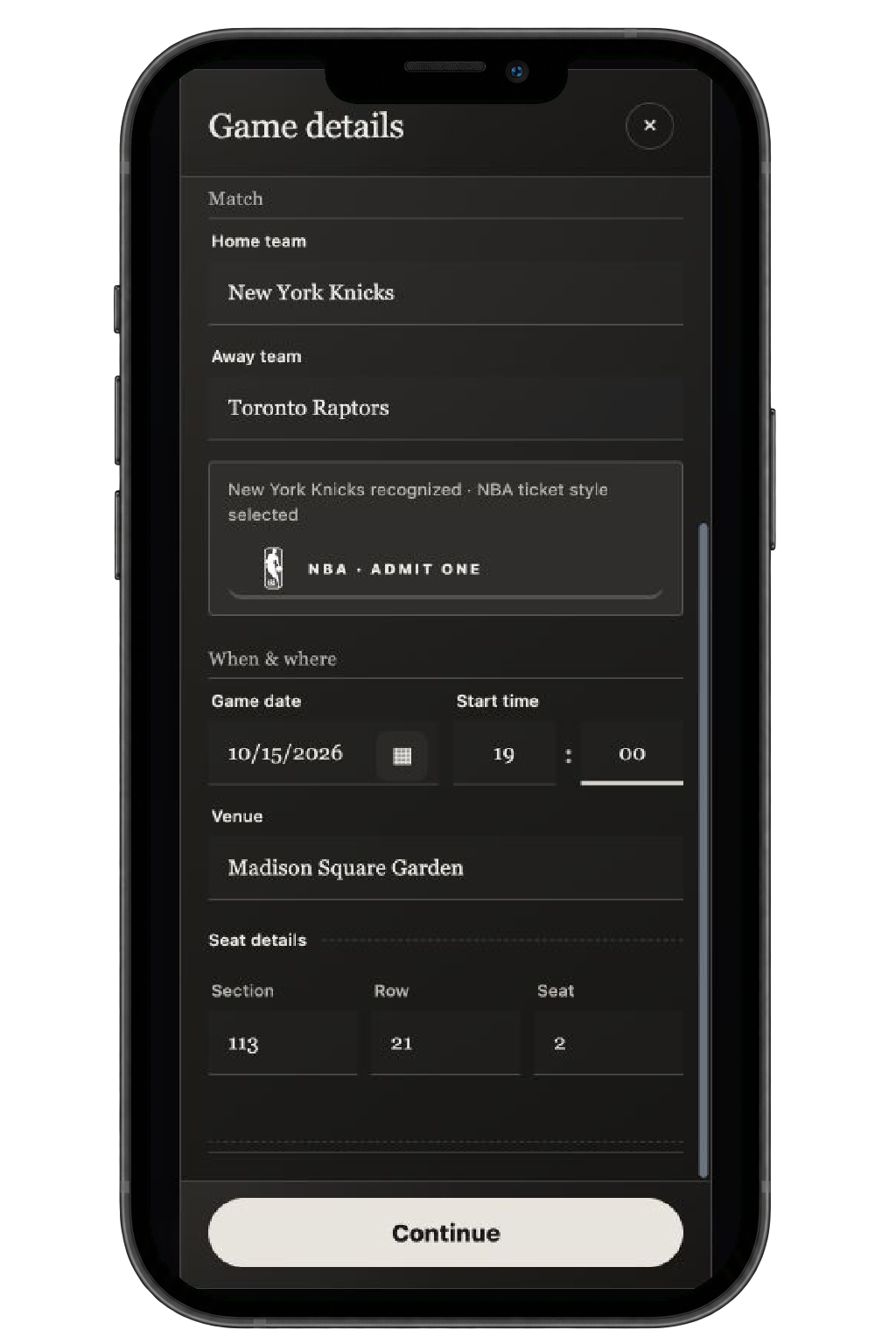
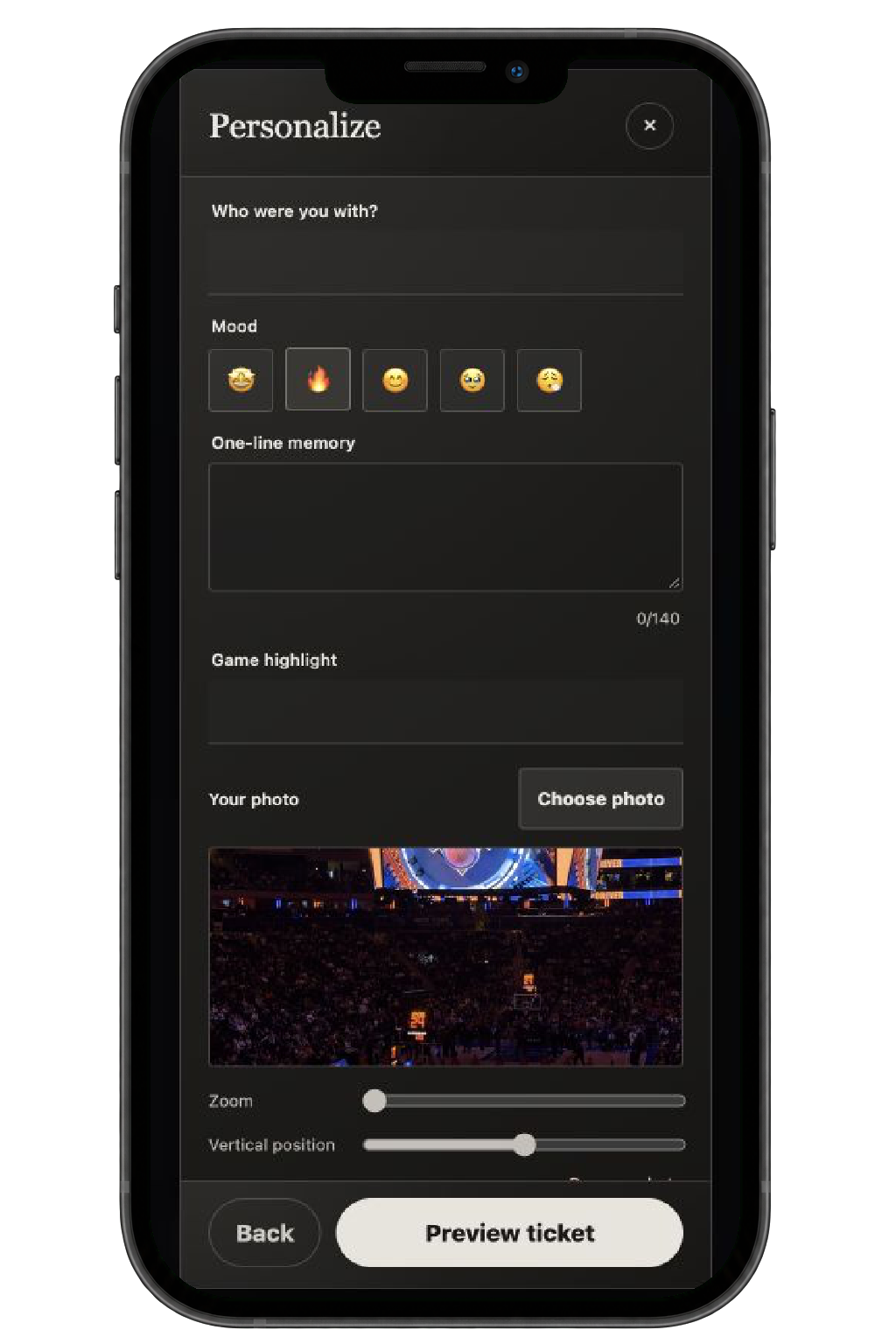
Upload a ticket screenshot to help extract game details, check the information, then add your photo and personal memories.
I wanted the result to feel like something worth collecting.
Different leagues have their own ticket shapes, layouts, and materials, while the home team brings its colors and identity. Each ticket should feel connected to the game it came from. The printing sequence gives saving a small sense of occasion. You’ve made something personal, and now it has a place in your collection.
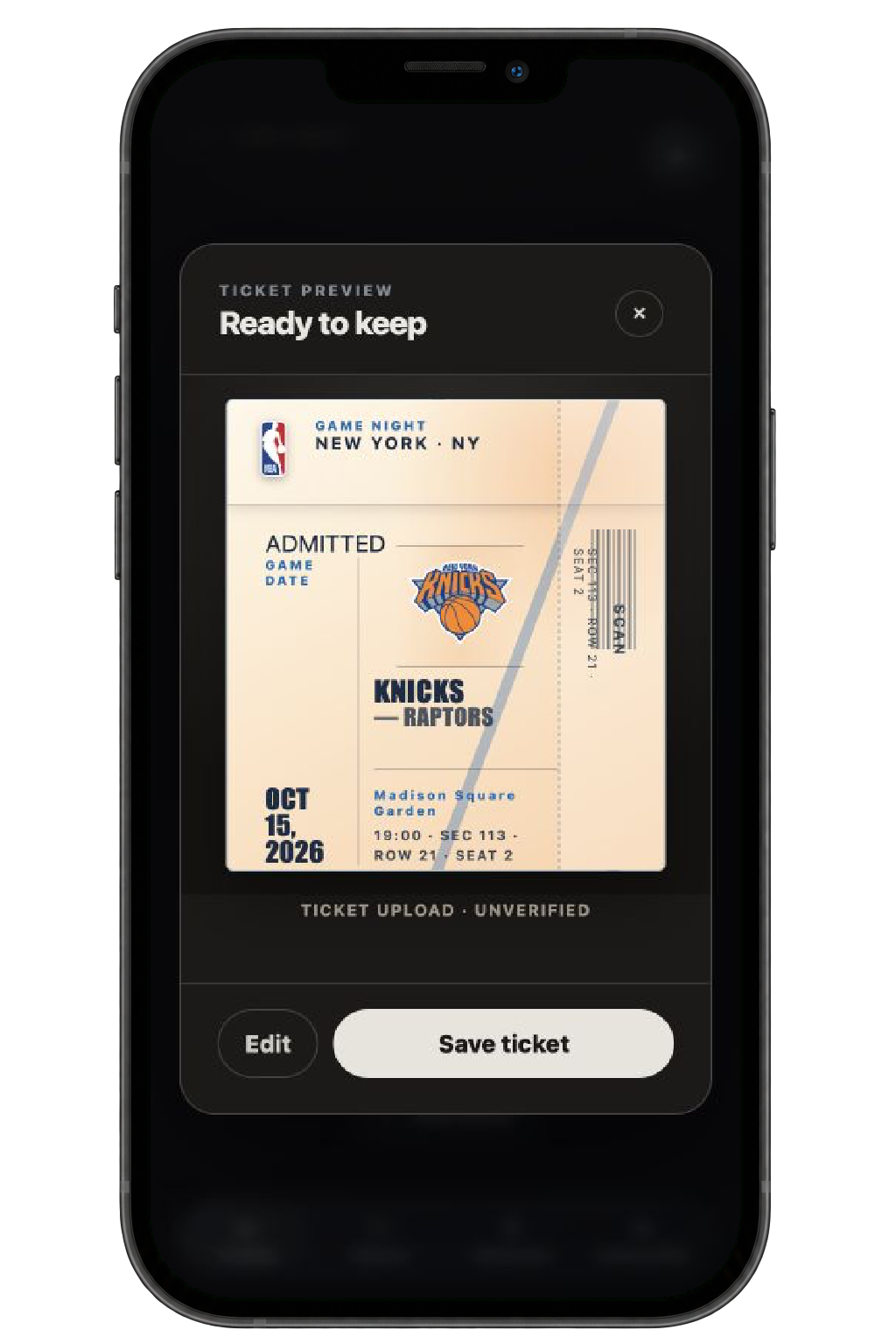
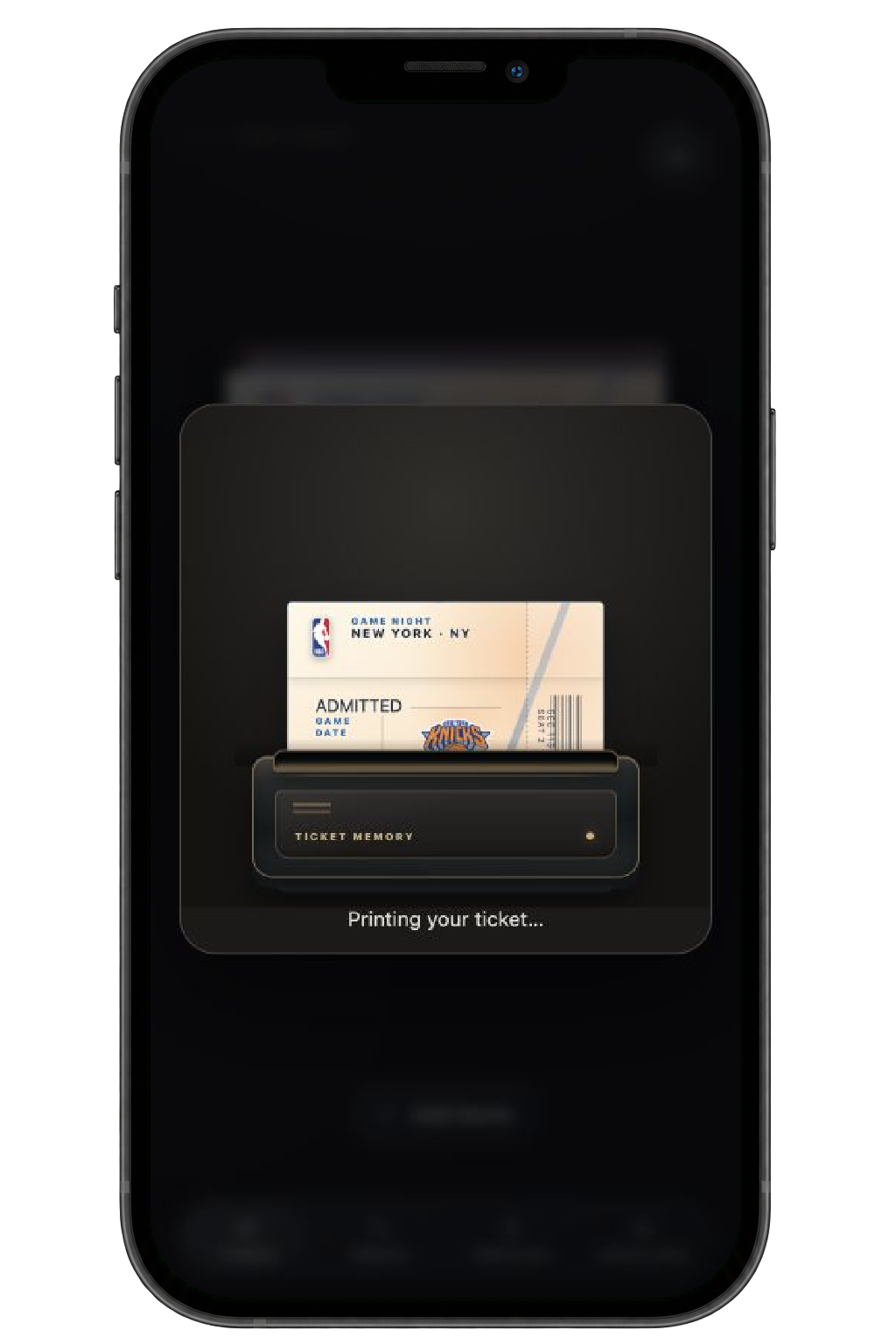
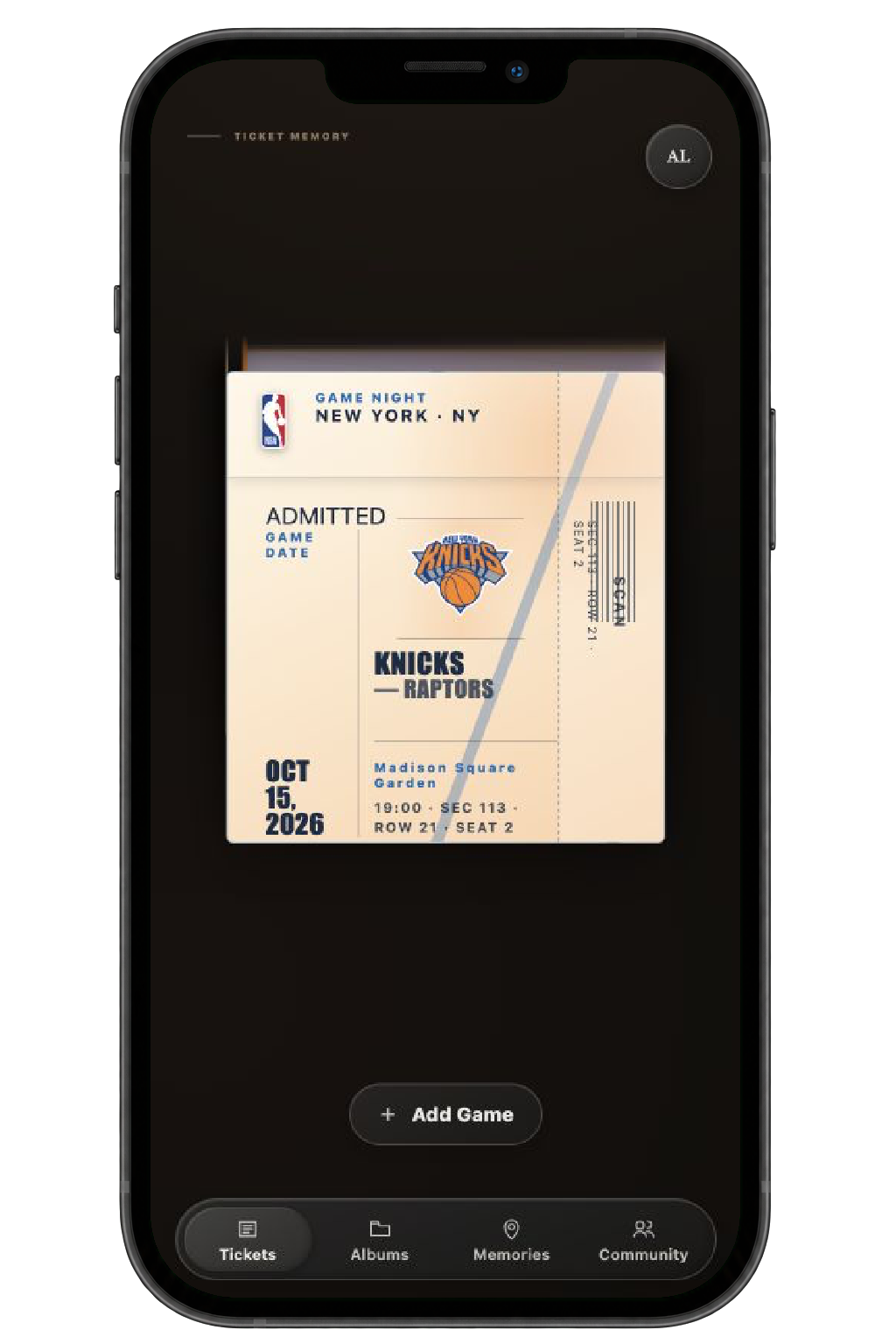
Check the personalized design, go back to make changes, or save it to Tickets.
Not every game belongs to the same story.
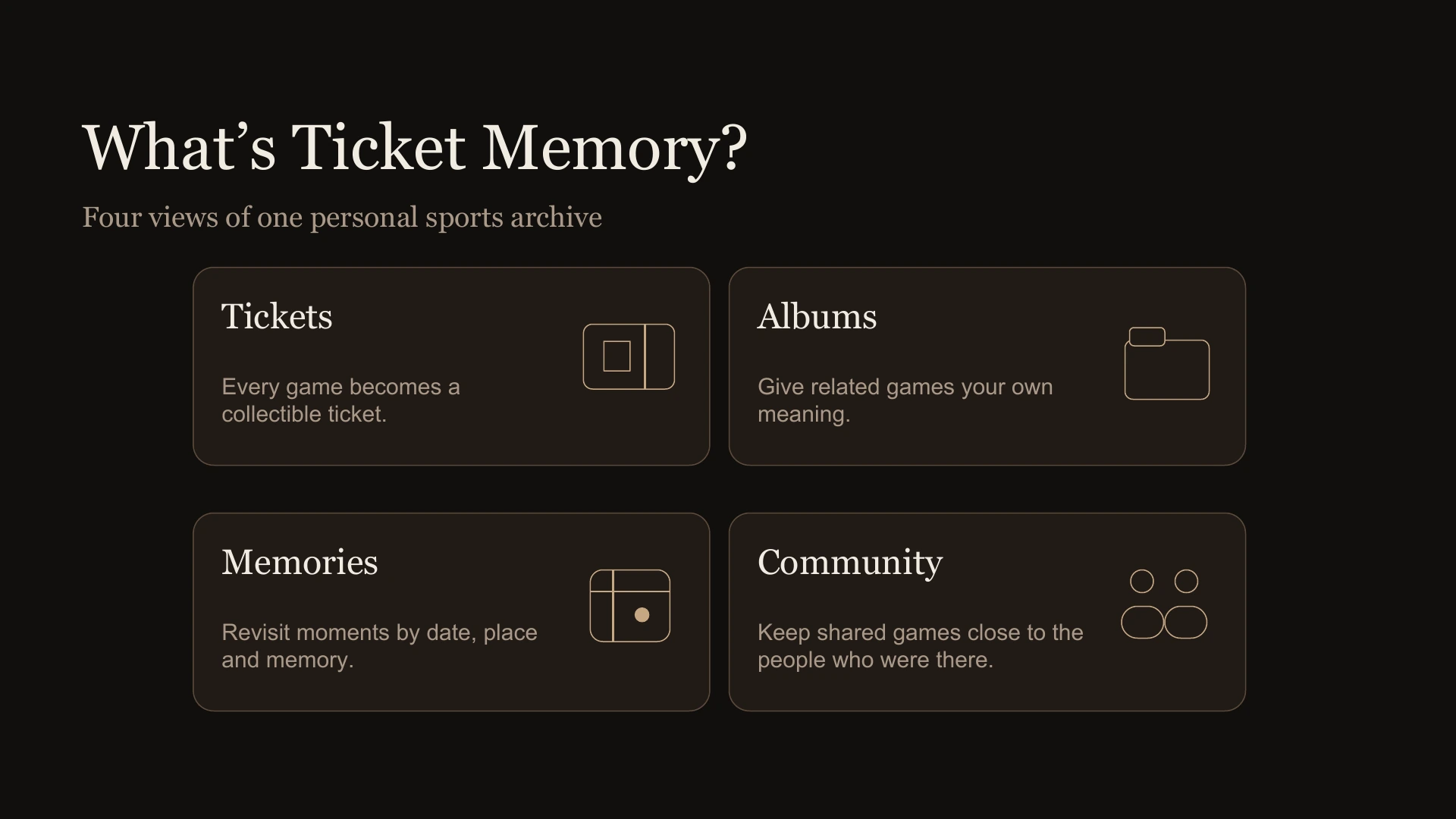
Someone might collect a whole season following one team. Someone else might want to remember a stadium trip or the women’s sports events they’ve attended. That shaped the difference between Tickets and Albums. Tickets holds everything; Albums lets fans decide what belongs together.
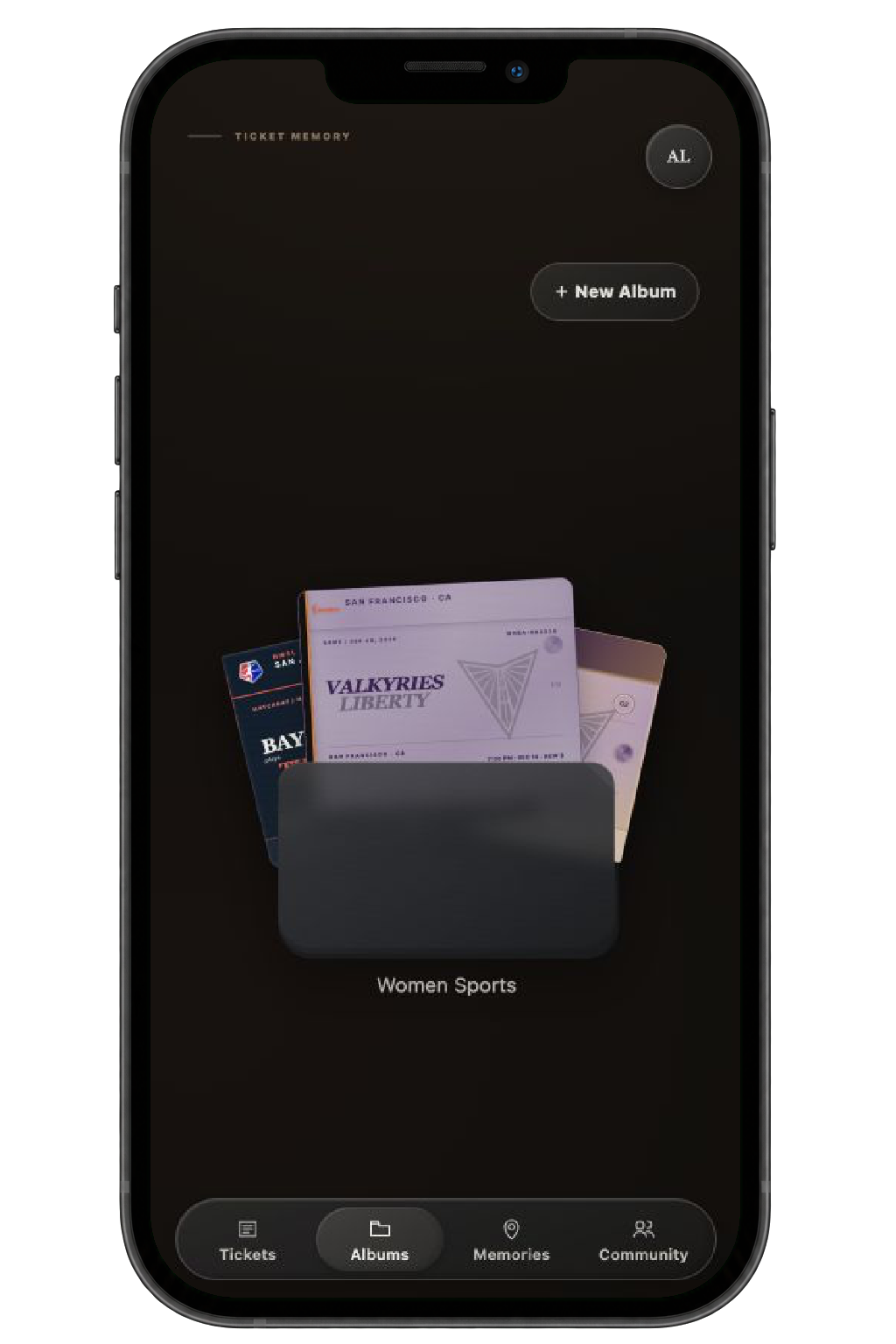
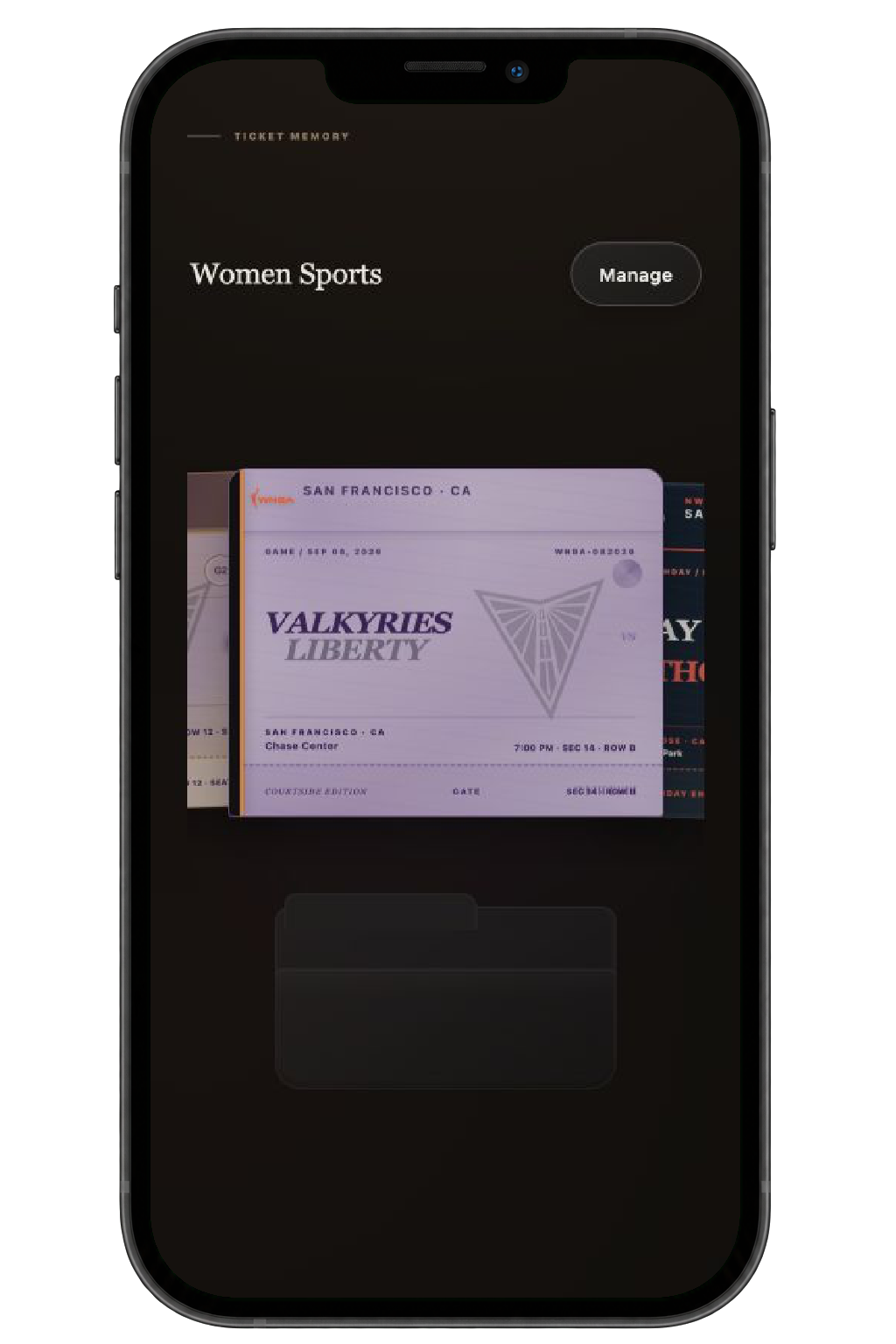
Create an album, choose its tickets, and give it a name and cover.
Over time, those tickets become a record of your life as a fan.
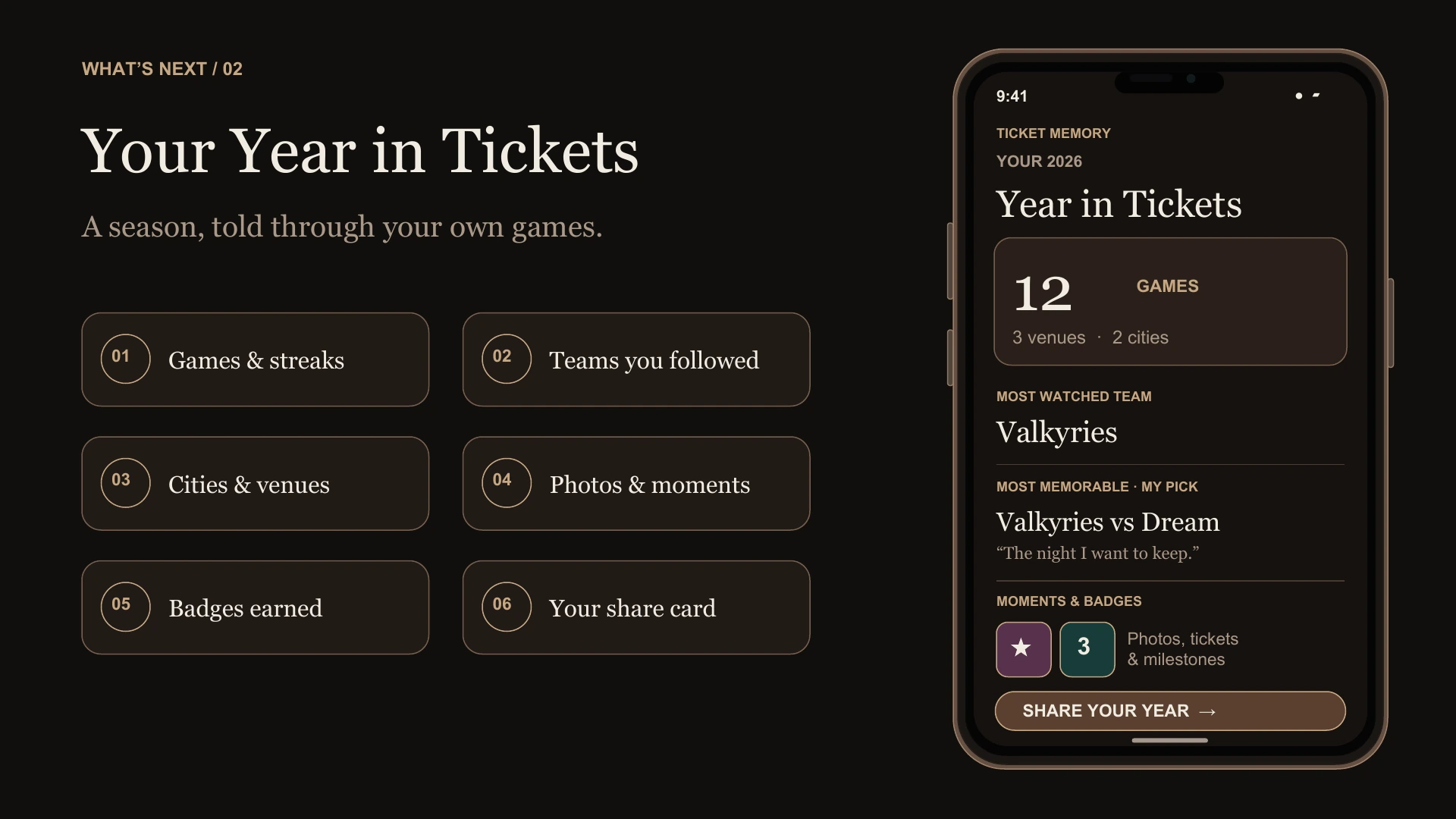
I wanted people to see more than a growing pile of tickets. A city could bring back a trip. A month could remind them of the games they kept going to. The map and calendar offer different ways back into the same collection. As more games are added, that personal history grows with them.
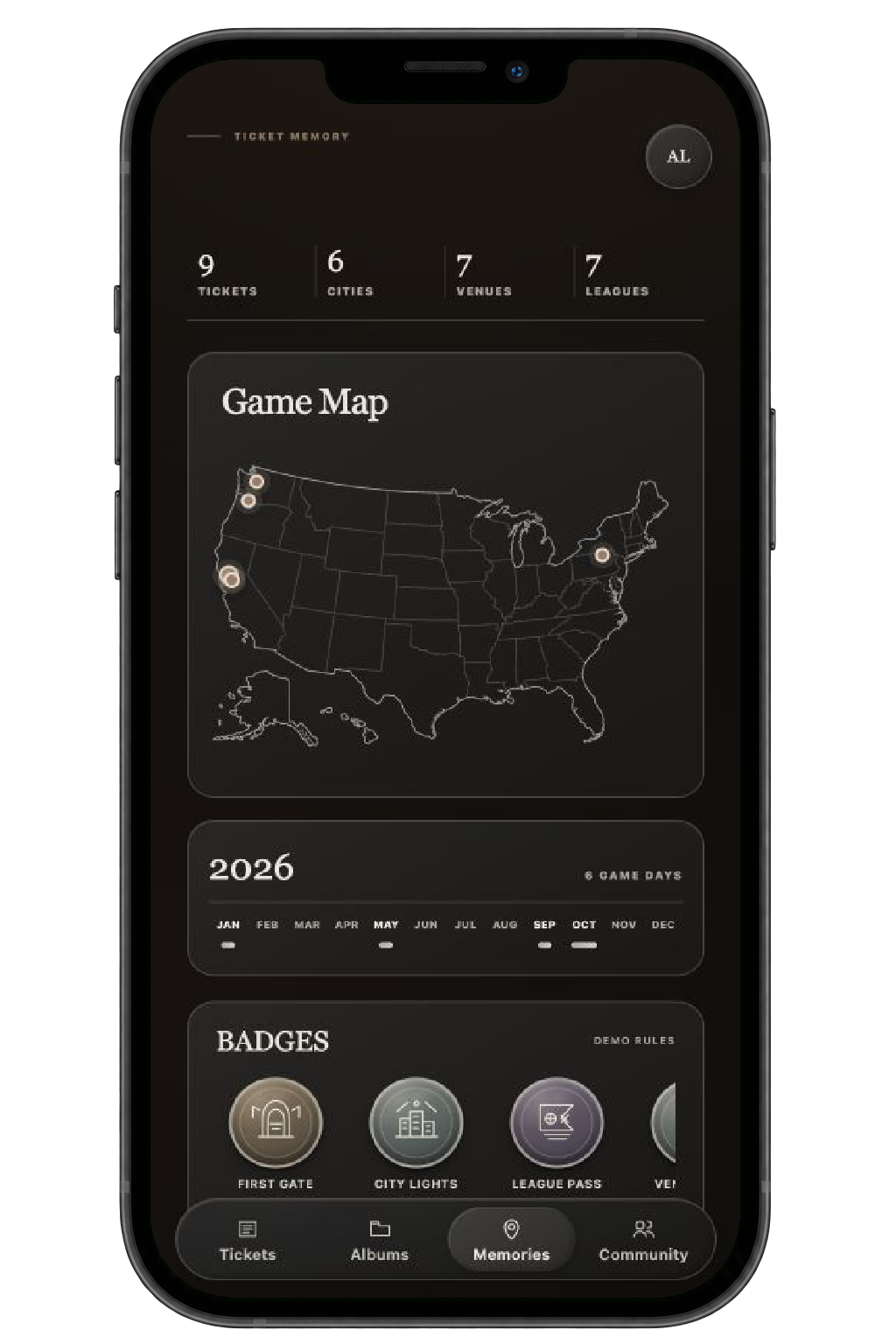
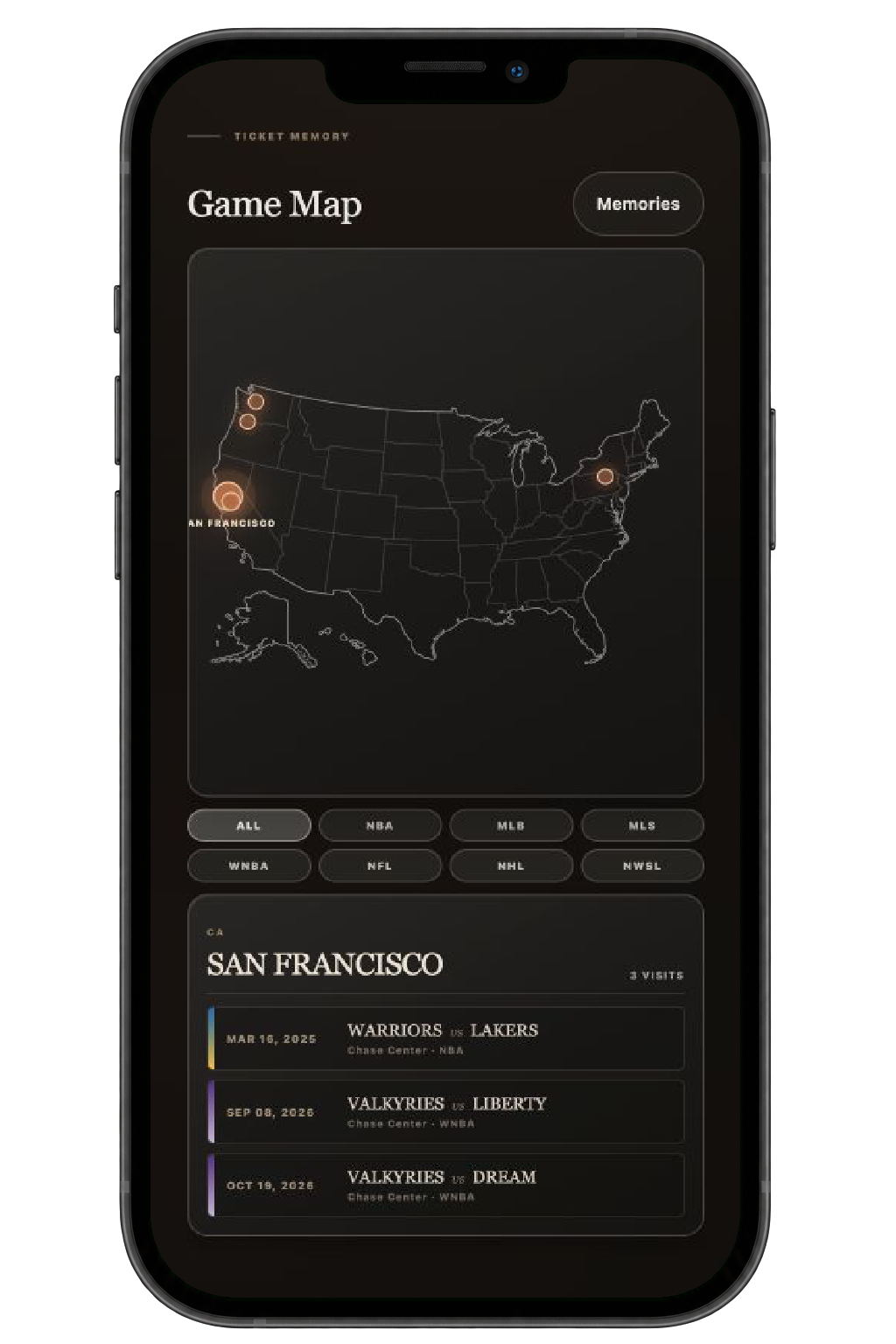
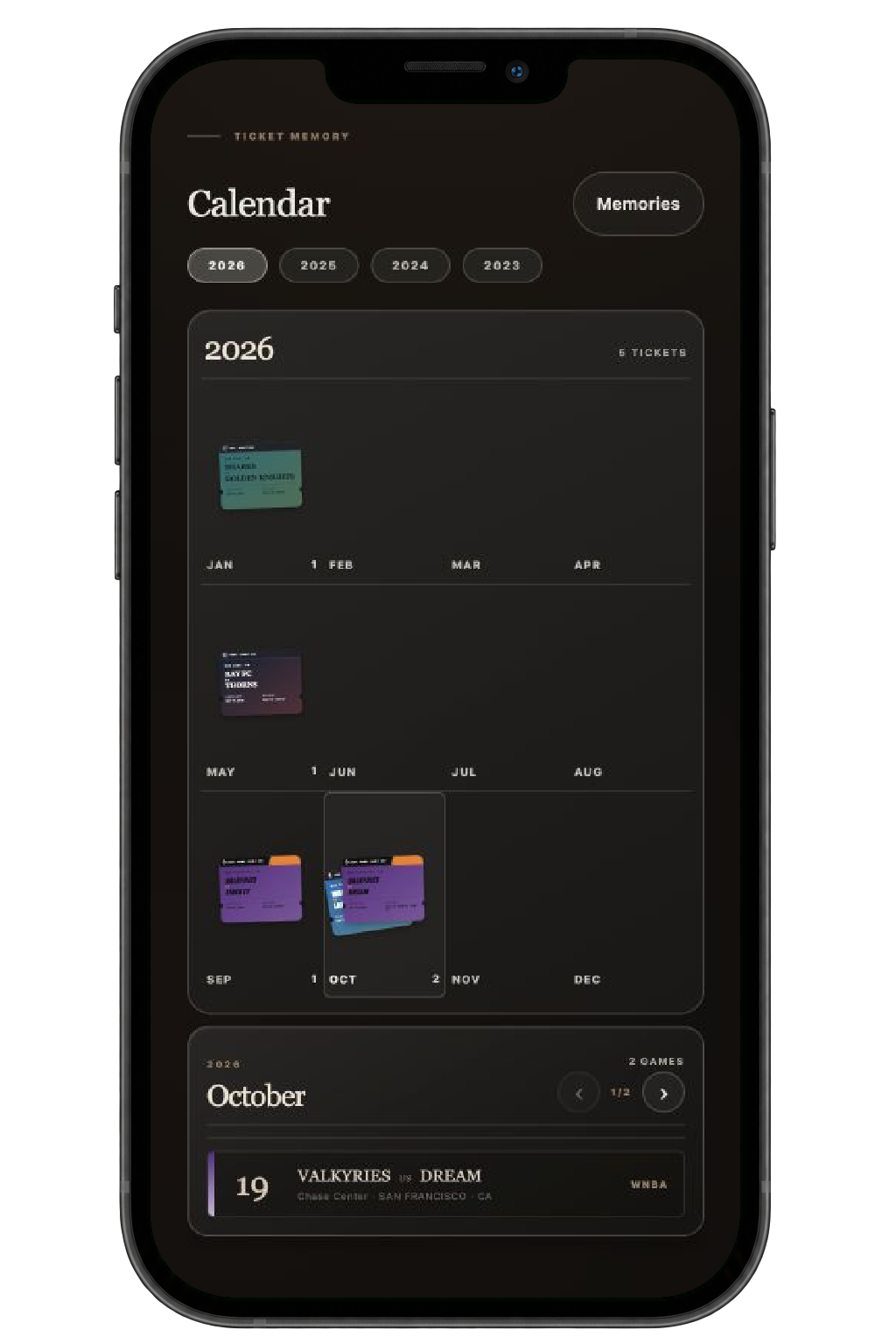
Explore cities and venues on the map, or select a year and month to find the tickets from that time.
Sharing a ticket shouldn’t mean sharing everything.
A seat number or a companion’s name might belong in a personal memory without belonging in a public post. I built choices into the sharing flow so fans can decide what goes with their ticket.
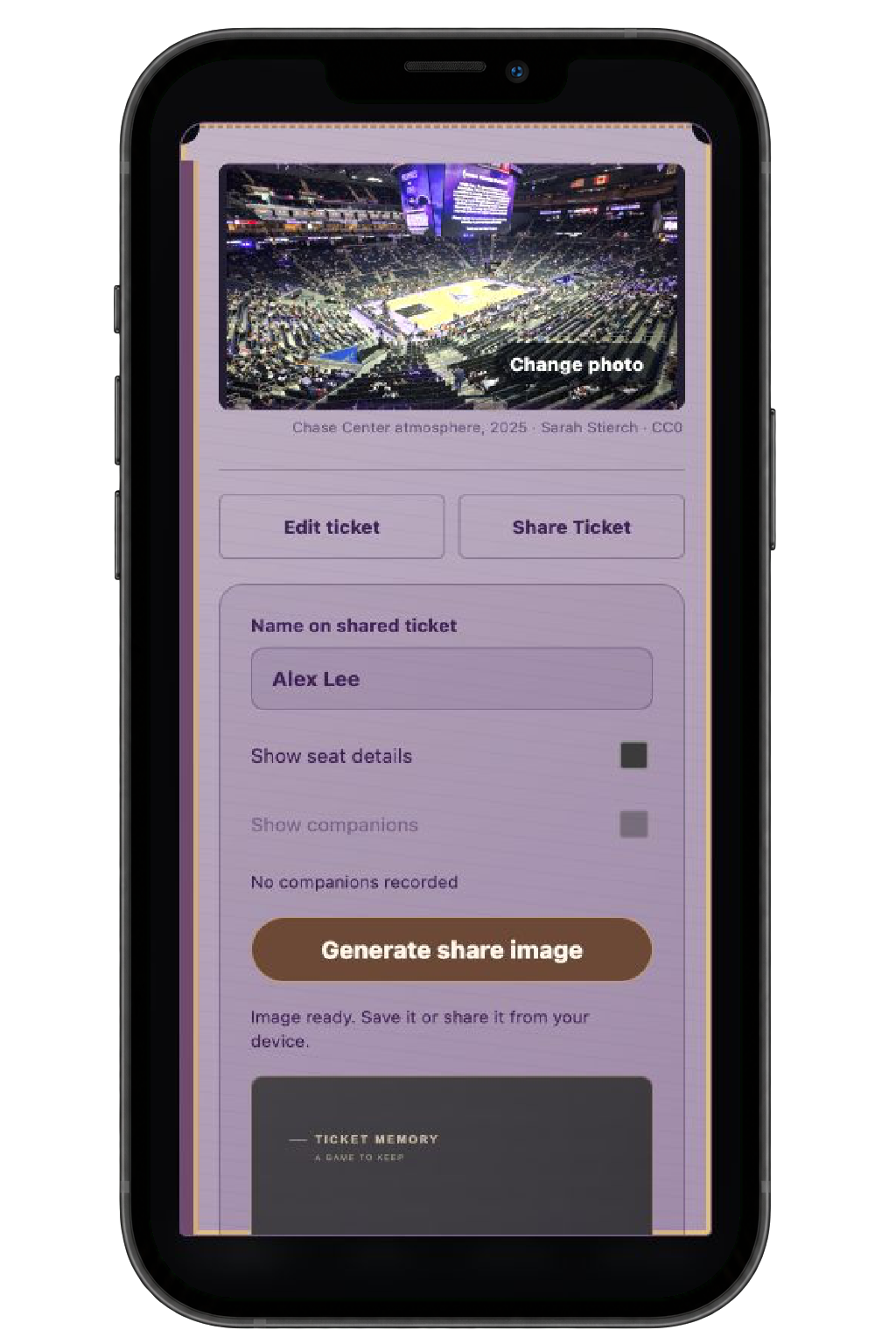
Include or hide your name, seat, and companions before creating the image.
Some memories are tied as much to a person as to a game.
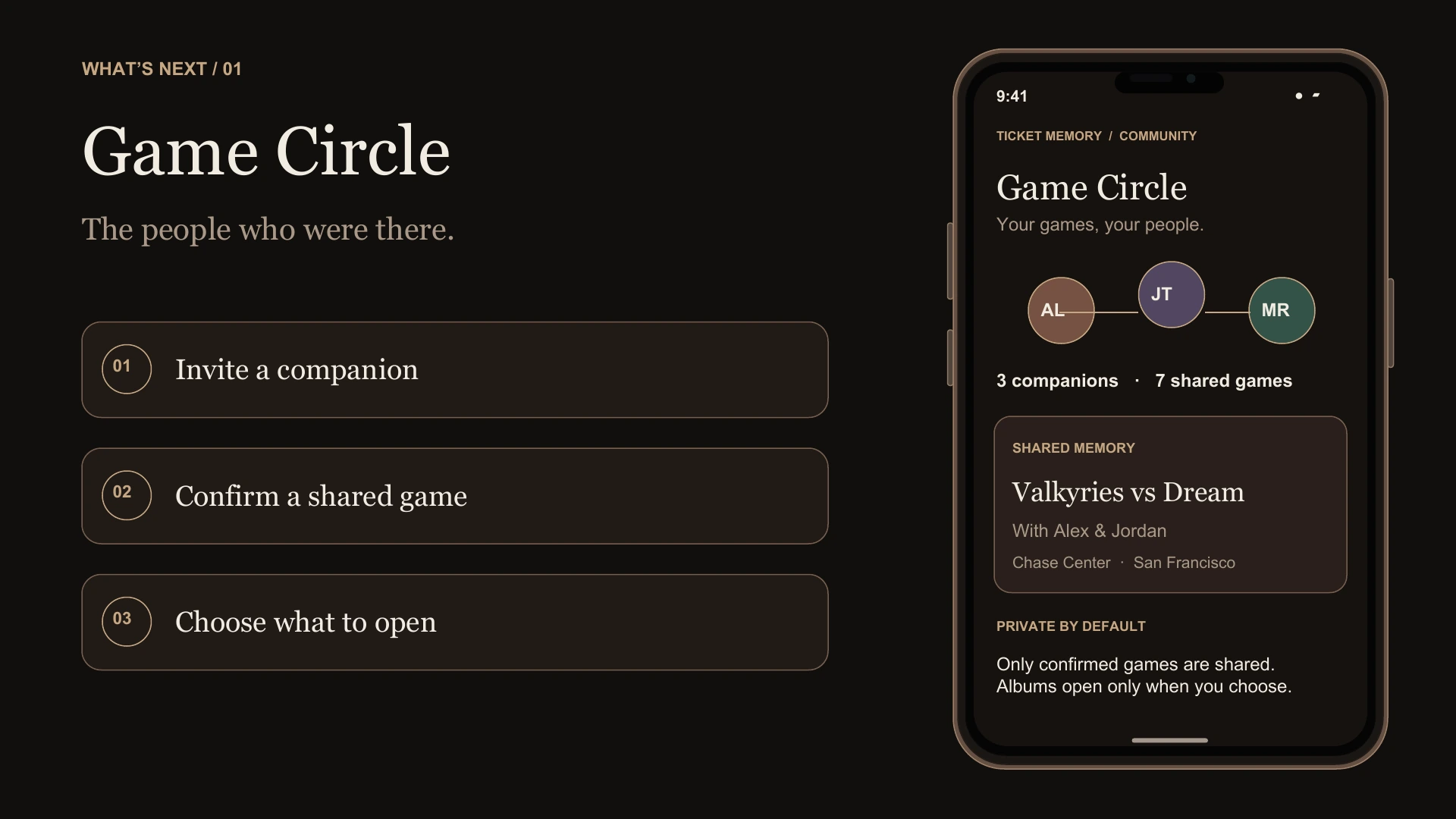
For Game Circle, I’m exploring connections built around games people actually attended together. Each person becomes a way to revisit those shared experiences, with other parts of the collection opened by choice.
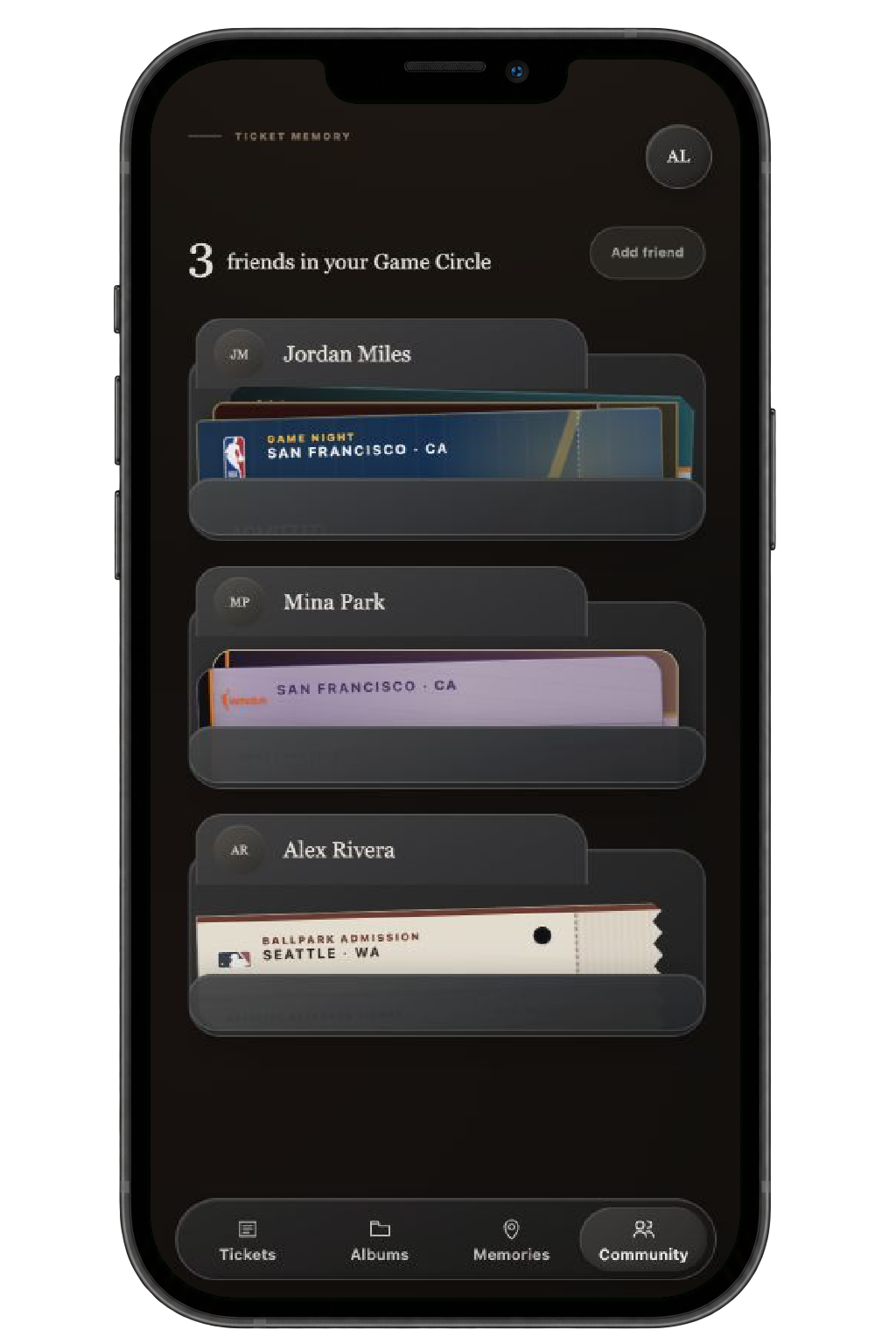
Open a companion’s ticket collection to browse your games together.
I didn’t want this to stay an idea in my notes.
I defined the product flows and visual direction, then used AI-assisted development to build and test an interactive prototype. Working through it made me think beyond individual screens: what happens after saving, how the same ticket appears in an album, and how someone finds it again later.
The core individual flow now works within the prototype. Accounts, lasting storage, and real shared access are still ahead.
Years later, you might forget the score. I want Ticket Memory to help you remember why you were glad you went.